
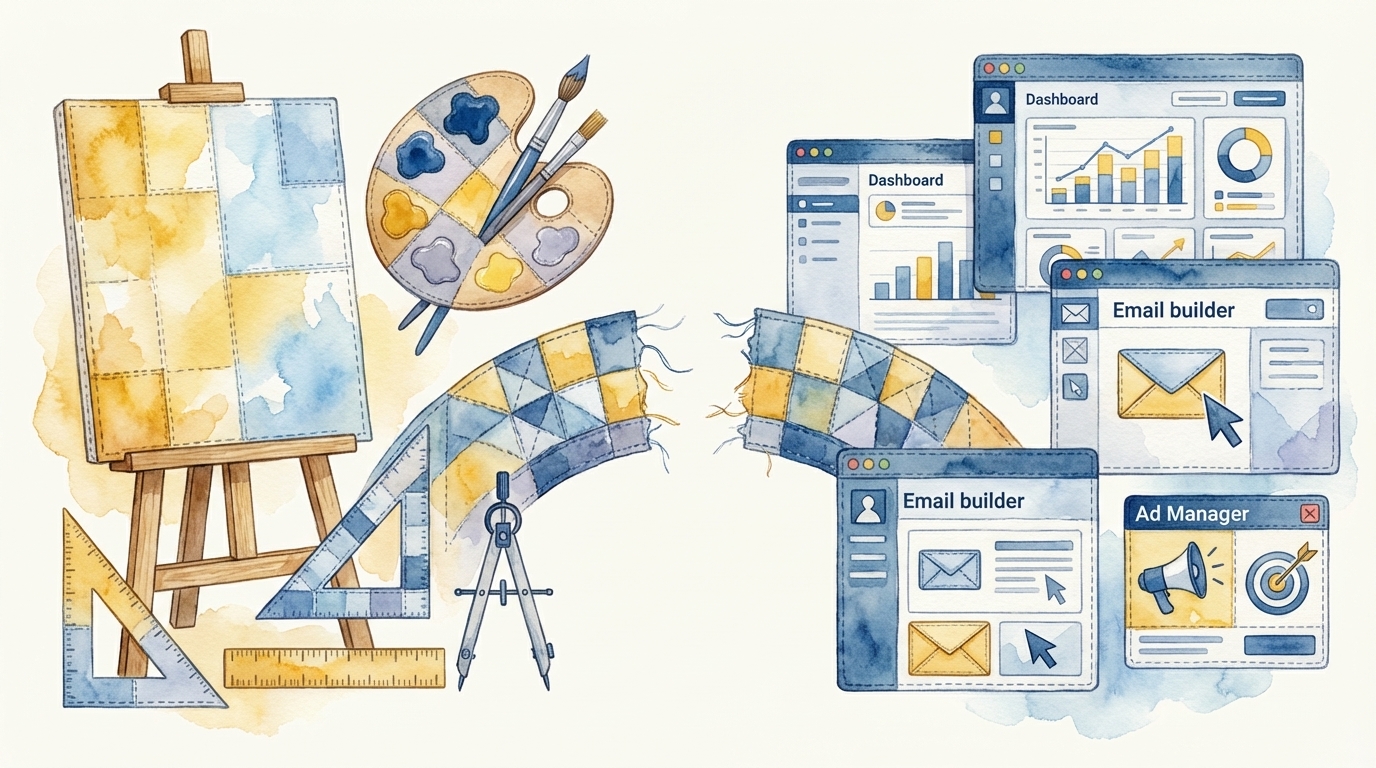
Canva and Figma are both exceptional products. Canva has made professional-quality design accessible to every marketer with its template library, AI Magic Design features, and intuitive drag-and-drop interface — all for around $40 per user per month on team plans. Figma is best-in-class for design collaboration, the tool where design systems live and where designers and marketers co-create campaign assets in real time. Both tools keep getting better, and both have added AI-powered design capabilities that accelerate asset creation further. But here is the problem neither tool solves: a designed email is not a deployed email. A designed landing page is not a live landing page. A designed ad is not a running ad. The design-to-deployment gap is where campaigns stall, and neither Canva nor Figma operates on the other side of that gap.
If your marketing team uses Canva or Figma — and most do — you already know this gap intimately. You have experienced the moment where a beautiful campaign design is approved in Figma, and then someone has to manually rebuild it inside your email platform, your CMS, and your ad manager. The design tool produced the vision. A human has to produce the reality. That translation step is where days or weeks of execution time accumulate.
What Canva Does Well (And Where It Stops)
Canva is a remarkable democratization story. It has put design capability into the hands of marketers who would otherwise rely entirely on designers or agencies. For social media graphics, presentation decks, simple ad creative, and branded templates, Canva is fast and effective. Its AI features — Magic Design, background removal, text-to-image generation — make it even faster.
But Canva operates at the asset level. It produces individual images, individual designs, individual documents. It does not produce configured campaigns. When you design an email in Canva, the output is a static image or a layout. To turn that into an actual email that arrives in someone's inbox, you need to:
- Recreate the design inside your ESP or marketing automation platform using HTML templates
- Ensure the layout is responsive across email clients (Outlook, Gmail, Apple Mail all render differently)
- Replace static text in the image with live text for accessibility and deliverability
- Configure send parameters, audience segmentation, and personalization tokens
- Connect the email to a workflow, nurture sequence, or triggered send
Canva gave you the design. The five steps above — the operational steps — are still on you.
What Figma Does Well (And Where It Stops)
Figma is the gold standard for design collaboration. For marketing teams that work closely with designers, Figma is where campaign creative gets concepted, iterated, and approved. Design systems in Figma ensure brand consistency. Comments and version history enable efficient review cycles. Figma's developer handoff tools make it easier to translate designs into code.
But "easier to translate" is not "automatically deployed." When a landing page design is approved in Figma, someone still has to build that page in your CMS — whether it is WordPress, Webflow, HubSpot, or a custom platform. When ad creative is finalized in Figma, someone still has to export it at the correct dimensions and upload it to each ad platform with the right targeting, bidding, and tracking configuration. Figma's output is a design file. Campaigns require platform configuration.
Canva and Figma are the beginning of the campaign workflow, not the end. They answer the question "what should this look like?" They do not answer the question "how does this get live inside our marketing tools?" That second question is where execution teams spend most of their time.
The Design-to-Deployment Gap in Numbers
For a typical multi-channel campaign — say, a product launch with email, landing page, and paid ads — here is a realistic timeline breakdown when using design tools and manual deployment:
- Design in Canva or Figma: 1-2 days (fast, efficient, AI-assisted)
- Build email in marketing automation platform: 1-2 days (manual HTML, template configuration, responsive testing)
- Build landing page in CMS: 1-3 days (content entry, form setup, SEO configuration, mobile testing)
- Configure ad campaigns: 0.5-1 day (asset upload, audience setup, tracking, bid configuration)
- Set up workflows and automation: 0.5-1 day (triggers, scoring, CRM sync)
- QA and testing: 1 day (cross-platform, cross-device, link checking)
The design step is 1-2 days. The deployment steps are 4-8 days. Design tools have optimized the part that was already the fastest. The deployment side — the slow side — remains entirely manual.
The asset vs. campaign distinction: Design tools produce assets. Campaigns are systems of interconnected assets, workflows, audiences, and configurations living inside multiple marketing platforms. Optimizing asset creation is valuable but incomplete. The real throughput bottleneck is turning those assets into live, connected campaigns — and that requires operating inside your marketing tools, not inside a design tool.
Why Design Tools Will Not Solve This
It is tempting to think that Canva or Figma will eventually add deployment capabilities. But deploying into a marketing stack is fundamentally different from designing. It requires deep API integrations with dozens of marketing platforms, understanding of each platform's data model and configuration options, knowledge of email deliverability best practices, and the ability to configure complex workflow logic. That is not a feature you bolt onto a design tool. It is a different product entirely.
Canva is building a content platform. Figma is building a design platform. Neither is building a campaign operations platform, because doing so would require them to become something entirely different from what makes them valuable. Their strength is design. Deployment requires a different kind of intelligence.
Deployment-First Agents Work Across the Full Stack
The alternative is agents that operate at the campaign level, not the asset level. Instead of producing a design file that someone has to manually deploy, autonomous agents take a campaign brief and produce a live campaign — emails built inside your MAP, landing pages deployed in your CMS, ads configured in your ad platforms, workflows connected and active. The design is part of the process, not a separate step that creates a handoff.
This does not replace Canva or Figma. Teams that use these tools for design exploration and brand system management should keep doing so. But the step between "design approved" and "campaign live" — the step that currently requires days of manual platform work — is exactly what deployment-first agents from San Francisco-based CharacterQuilt compress to minutes. Design tools give you the vision. Deployment agents give you the live campaign.
If your team designs campaigns quickly but deploys them slowly, the bottleneck is not your design tool — it is the gap between design and deployment. CharacterQuilt agents bridge that gap by operating inside your marketing tools end-to-end. See how it works for your stack.