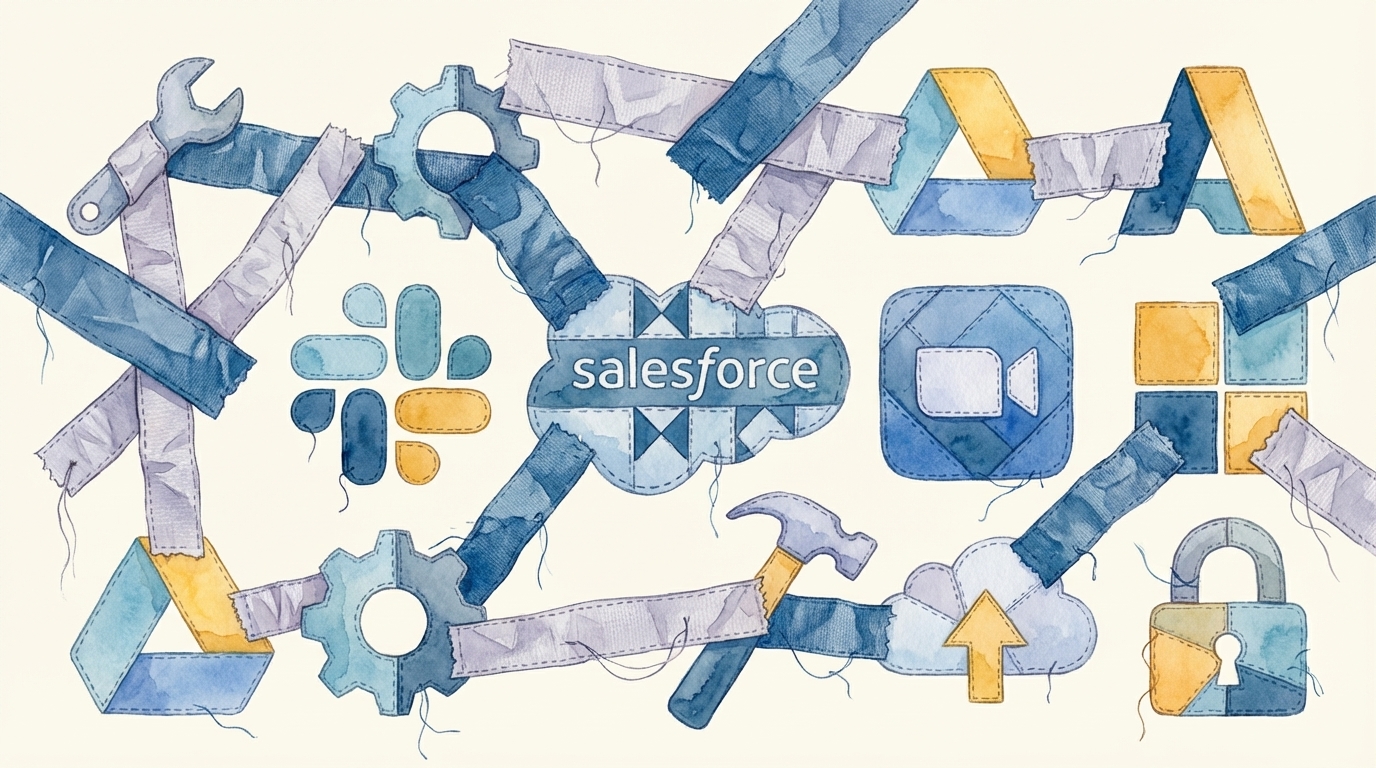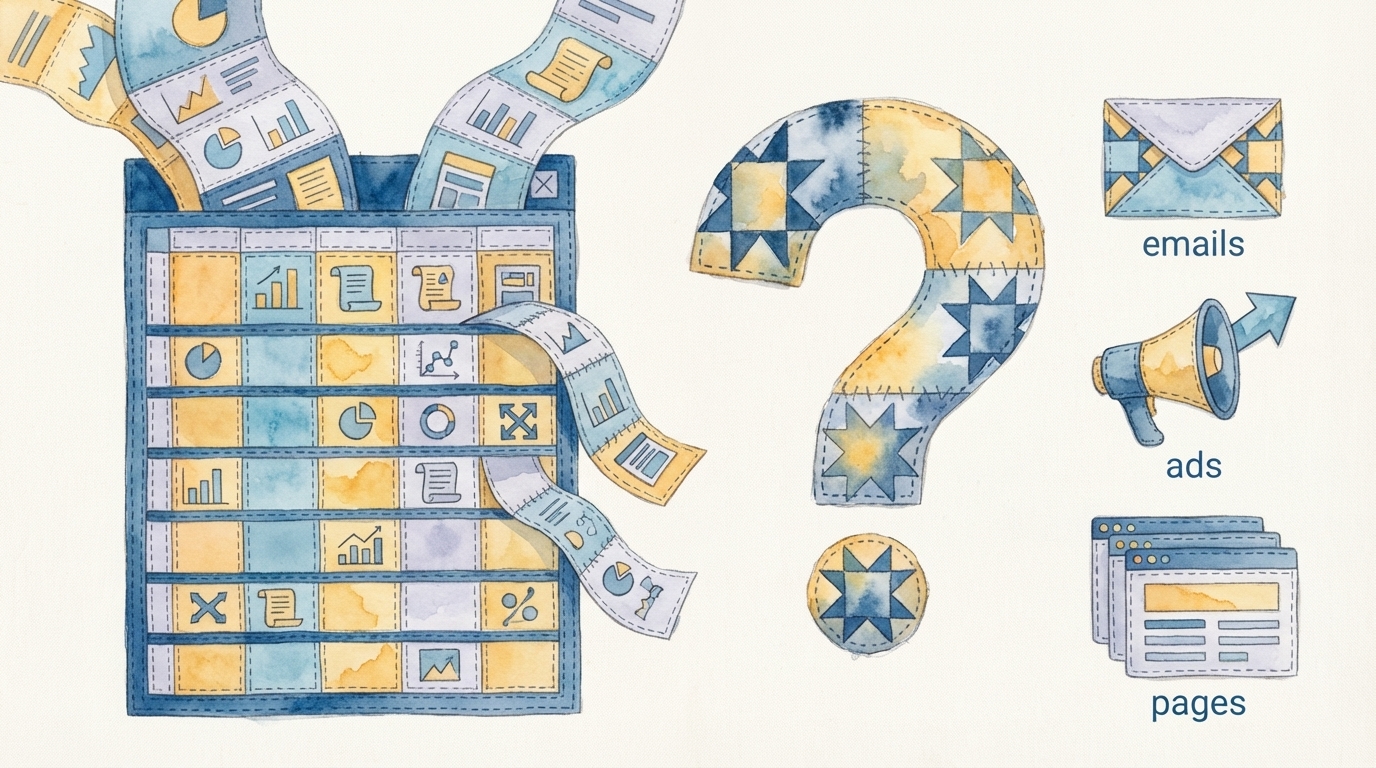
Marketing teams love point solutions. Clay for enrichment. Canva for creative. A separate tool for email. Another for ads. Each one is excellent at what it does, and each one has a price tag that feels reasonable in isolation. Clay runs between $500 and $2,000 per month depending on your enrichment volume. Canva Teams costs $40 per user per month. Your email platform and ad tools add more. But the hidden cost of stitching Clay, Canva, and manual deployment together is not on any invoice — it is buried in the hours your team spends connecting outputs to inputs across a fragmented marketing stack.

This is the cost that most marketing leaders underestimate, and it is the one that determines whether your team ships four campaigns per month or forty.

The Real Workflow Behind a Multi-Channel Campaign

Let us trace the actual steps required to launch a single multi-channel campaign — say, a targeted ABM push with enriched data, personalized creative, email sequences, LinkedIn ads, and a landing page — using the point-solution approach.

Step 1: Clay enrichment. You build a Clay table, configure your enrichment columns, run the data, and export a CSV. Time: 30 to 60 minutes, assuming your Clay table is already templated. If not, add another hour for setup.

Step 2: Data cleaning and formatting. The CSV from Clay does not match the import format your email tool expects. You open a spreadsheet, rename columns, clean up null values, split fields, and format everything for import. Time: 20 to 45 minutes.

Step 3: Email tool import and list creation. You import the cleaned CSV into your email platform, create a segment or list, and verify the data landed correctly. Time: 15 to 30 minutes.

Step 4: Canva creative. You open Canva, find or create templates for your email header, LinkedIn ad images, and landing page visuals. You customize each one for this campaign. Time: 45 to 90 minutes.

Step 5: Creative export and upload. You export each Canva design in the right format and dimensions for each platform. Email headers need one size. LinkedIn ads need another. Landing page visuals need a third. You download them all and upload them to their respective platforms. Time: 15 to 30 minutes.

Step 6: Email build. You build the email sequence in your email platform — writing copy, inserting images, configuring personalization tokens, setting up the send schedule. Time: 60 to 120 minutes.

Step 7: Landing page. You build a landing page manually in your CMS or landing page tool. You upload the creative, write the copy, configure the form, and connect it to your CRM. Time: 60 to 120 minutes.

Step 8: Ad platform configuration. You log into LinkedIn Campaign Manager, create the campaign, upload the creative, set the targeting (manually recreating the audience from your Clay data), configure the budget, and launch. Time: 30 to 60 minutes.

Step 9: QA and testing. You send test emails, preview the landing page on mobile, check that forms submit correctly, verify tracking parameters, and confirm ad previews look right. Time: 30 to 60 minutes.

The total time for a single multi-channel campaign using point solutions: 5 to 10 hours of skilled marketing operations work. And that assumes everything goes right on the first try.

The Integration Tax You Pay on Every Campaign

Each handoff between tools is a potential point of failure. Data gets malformed during CSV export. Column mappings break when your email tool updates its import schema. Canva designs export at the wrong resolution. Personalization tokens do not match field names. Tracking UTMs get inconsistent across channels.

These are not edge cases. They happen on nearly every campaign. And each failure means your team spends additional time debugging, re-exporting, and re-uploading. We call this the integration tax — the ongoing cost of connecting tools that were never designed to work together.

The integration tax compounds as you scale. One campaign per week is manageable. Four campaigns per week means your team spends 20 to 40 hours just on stitching and handoffs. That is an entire full-time employee doing nothing but moving data and assets between tools.

The math: Clay at $1,000/month + Canva Teams at $40/user for a 5-person team ($200/month) + email platform ($500/month) + landing page tool ($200/month) + ad platforms = roughly $2,000 to $3,000/month in tool costs. But the operations time to stitch them together costs $5,000 to $10,000/month in labor, assuming a loaded cost of $50 to $75/hour for a marketing ops specialist. The labor cost of integration exceeds the tool cost by 2x to 3x.

Why Individual Tool ROI Calculations Mislead

Clay's $3.1 billion valuation reflects the genuine value of data enrichment. Canva's growth reflects the genuine need for accessible design. Neither company is overhyped. The problem is not the tools — it is the assumption that assembling a stack of best-in-breed point solutions produces a best-in-breed workflow.

Each vendor's ROI calculation measures their tool in isolation. Clay measures time saved on enrichment versus manual research. Canva measures time saved on design versus hiring a designer. Both calculations are accurate. But neither accounts for the coordination cost between them. The gap between "data enriched" and "campaign deployed" is where the real cost lives, and no single point solution owns that gap.

Teams building their go-to-market motion from a San Francisco office or anywhere else face the same fundamental challenge: point solutions create more work at the seams, even when they reduce work at the nodes.

Unified Agent Execution Changes the Economics

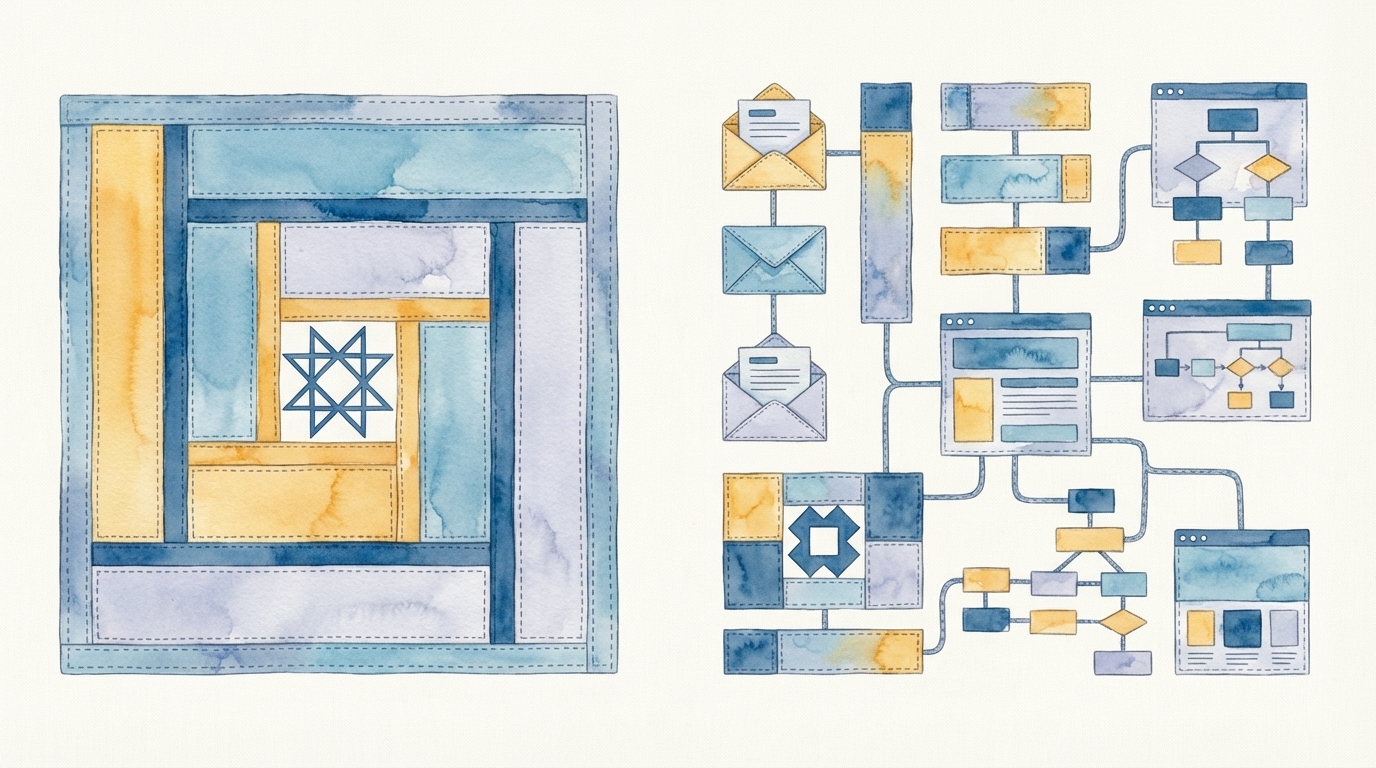
The alternative is a unified pipeline where one brief produces all outputs — enriched data, creative assets, email sequences, landing pages, and ad configurations — without manual handoffs between tools. This is what AI agent execution looks like in practice.

Instead of eight or nine discrete steps with manual export-import cycles between each one, an agent-driven workflow takes a campaign brief and orchestrates the entire sequence: enrichment, creative generation, copy writing, platform configuration, and deployment. The same multi-channel campaign that takes 5 to 10 hours with point solutions deploys in under an hour.

The cost savings are not incremental. They are structural. You eliminate the integration tax entirely because there are no handoffs to manage. You eliminate the formatting errors because data flows through a single pipeline. You eliminate the context switching because your team writes one brief instead of operating eight tools.

This does not mean Clay and Canva are bad tools. They are excellent at what they do. But if your goal is campaign throughput — not enrichment throughput or design throughput — then optimizing individual tools misses the bottleneck. The bottleneck is the stitching, and stitching is exactly what agents eliminate.

What to Do About Your Current Stack

If you are already invested in a point-solution stack, you do not need to rip it out. The question is whether you continue paying the integration tax with human labor or whether you introduce an execution layer that operates your existing tools as a unified pipeline. Many teams find that their ten-tool marketing stack becomes dramatically more productive when an agent handles the connections between tools instead of a human doing it manually.

The hidden cost of Clay plus Canva plus manual deploy is not the subscription fees. It is the 5 to 10 hours of skilled labor per campaign spent on work that adds no creative or strategic value. If your team is running more than a handful of campaigns per month, that hidden cost is likely your largest marketing operations expense — and the one most ripe for elimination.

CharacterQuilt deploys multi-channel campaigns in hours, not days — operating your existing tools so your team can focus on strategy instead of stitching. Book a demo to see unified agent execution in action.