Custom audiences built from your CRM, kept fresh automatically.
CharacterQuilt canvasses your CRM and fills the gaps with waterfall enrichment, then builds custom audiences of the buyers who look like your best customers and syncs them to LinkedIn, Meta and Google. Every night it checks for new contacts, job changes and CRM updates and refreshes the audiences.

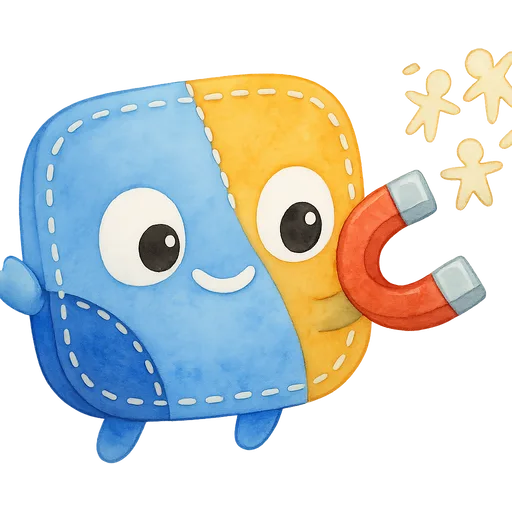
How the play runs
- 1

Canvasses your CRM and fills the gaps with waterfall enrichment.
- 2

Builds custom audiences of the buyers who look like your best customers.
- 3

Syncs them to LinkedIn, Meta, and Google, and keeps them fresh.
What you get
- CRM contacts matched and enriched from several data sources, so more of them reach the ad platforms
- Custom audiences and lookalikes built around your best customers and open opportunities
- Audiences synced to LinkedIn, Meta and Google and refreshed as contacts change
Works with
Salesforce · HubSpot · LinkedIn Ads · Meta Ads Manager · Google Ads, plus any tool your team logs into.
Questions, answered
What is waterfall enrichment?
CharacterQuilt checks several data providers in turn for each contact, moving to the next one when a source comes up empty, so more of your CRM gets a usable work email, title and company. Better match rates mean bigger, more accurate audiences.
How often are audiences updated?
Every night by default. CharacterQuilt picks up new contacts, job changes and CRM stage changes, adds the right people and removes the ones who no longer fit.
Which ad platforms does it sync to?
LinkedIn, Meta and Google. CharacterQuilt uses native integrations where they exist and computer use everywhere else: it logs in as its own user with only the permissions you grant, so it works in any tool your team can log into.
Does anything launch without approval?
No. Anything that sends or spends waits for your approval, and every action traces back to the agent that took it.