Clay has earned its $3.1 billion valuation for good reason. The platform aggregates over 150 data providers and pioneered "waterfall enrichment" — a technique that queries multiple data sources in sequence to maximize coverage. The result is dramatic: email find rates jump from roughly 40% with a single provider to 78% with Clay's waterfall approach. Claygent, their AI research agent, can pull custom data points about companies and contacts that no single database offers. For go-to-market teams building prospect lists and enriching account data, Clay is genuinely excellent. This is not a takedown piece. Clay does what it does better than almost anyone.
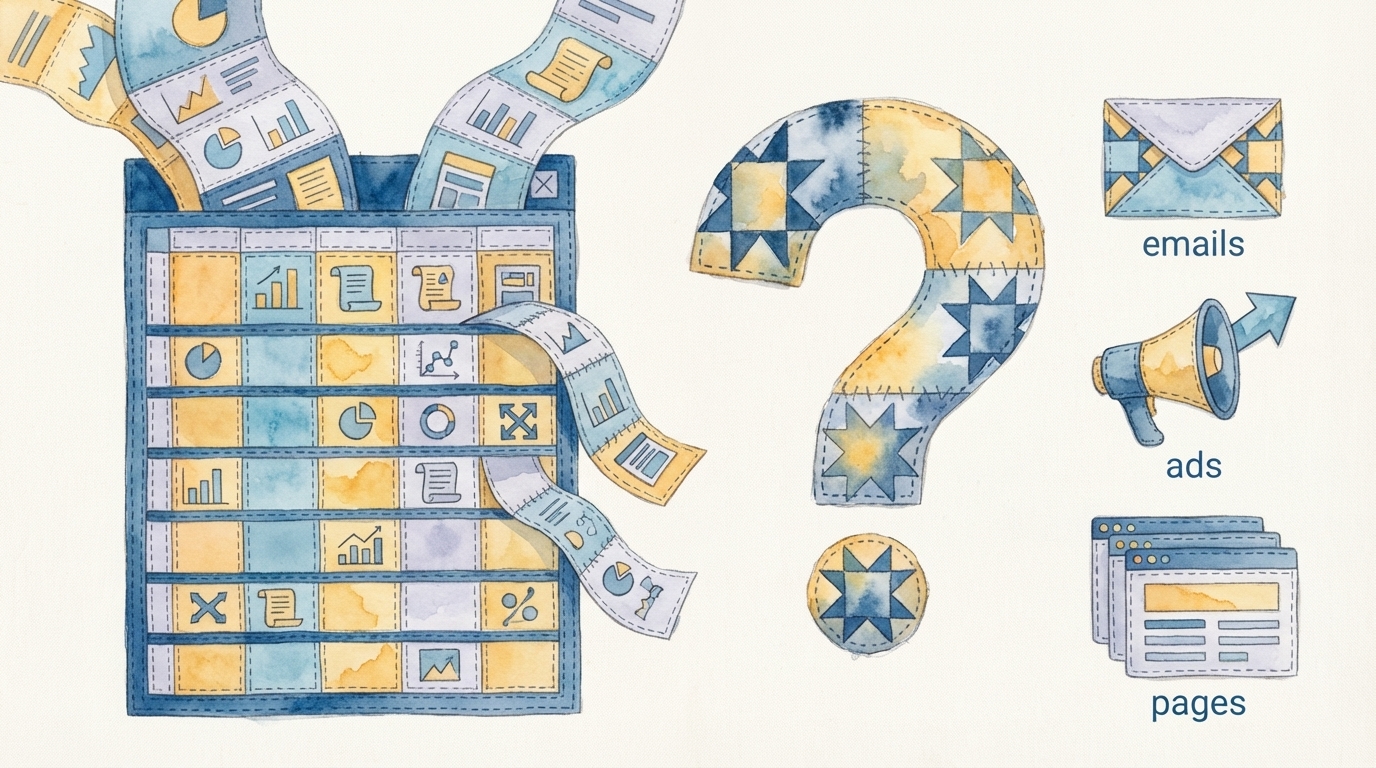
But here is what happens after Clay: you have a beautifully enriched spreadsheet. Rows of contacts with verified emails, company data, technographic signals, intent scores, and custom research fields. And then what? That spreadsheet needs to become an email sequence in your outreach tool, a set of personalized landing pages, a LinkedIn ad campaign targeting those accounts, a direct mail trigger for high-value prospects, and a follow-up workflow in your CRM. The gap between enriched data and deployed campaign is where most go-to-market teams lose weeks of execution time — even teams in San Francisco who are early adopters of every tool in the stack.
Where Clay Excels: The Enrichment Layer
To understand the gap, it helps to appreciate just how good Clay is at what it does.
Waterfall enrichment is Clay's core innovation. Instead of querying a single data provider and accepting whatever coverage that provider offers, Clay queries multiple providers in a configurable sequence. If Provider A does not have a verified email for a contact, Clay automatically tries Provider B, then Provider C, and so on. The result is dramatically higher coverage than any single-source approach. For teams that have struggled with low match rates from individual tools like ZoomInfo or Apollo, the difference is immediately obvious.
Claygent extends enrichment beyond structured databases. Need to know what CMS a prospect's company uses? Claygent can visit their website and find out. Need to pull the last three blog post topics from a target account? Claygent can scrape and summarize them. Need to check if a company has open engineering roles that indicate they are scaling? Claygent can search their careers page. This custom research capability turns Clay from a data lookup tool into a research platform.
The table interface makes all of this accessible. Clay's spreadsheet-like UI lets operations teams build complex enrichment workflows without writing code. Columns become enrichment steps, and the data flows left to right through the table. For RevOps and marketing ops professionals, this is an intuitive and powerful paradigm.
Clay solved the data problem. The question for go-to-market teams is no longer "can we find the right contacts with the right information?" It is "what do we do with all this enriched data?" That question is where most teams stall.
The Gap: Enriched Data Is Not a Deployed Campaign
A Clay table with 500 enriched contacts is a starting point, not an end point. To turn that data into a live, multi-channel campaign, your team needs to complete a series of steps that Clay does not address.
Creative Generation
Enriched data tells you who to target and what you know about them. It does not generate the campaign assets. Someone needs to write the email sequences — personalized using the enrichment fields Clay provided. Someone needs to design the landing pages that these prospects will visit. Someone needs to create the ad creative that will run alongside the outbound sequence. This creative work needs to be on-brand, on-message, and tailored to the segments that emerged from the enrichment process.
Email Building and Sequence Configuration
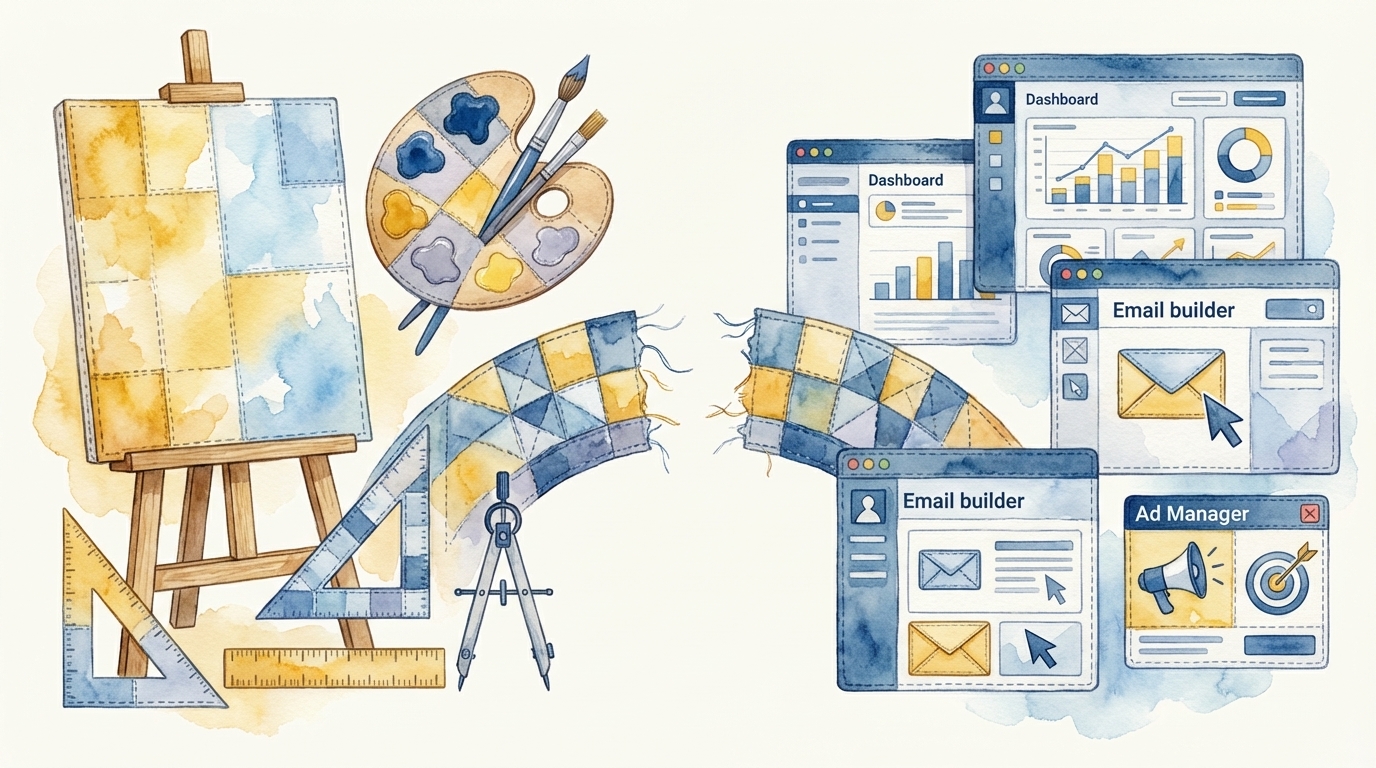
Once the copy is written, it needs to be built inside your email platform — whether that is HubSpot, Outreach, Salesloft, Apollo, or something else. This means creating the email templates, configuring personalization tokens that map to Clay's enrichment fields, setting up the sending schedule, defining the sequence logic (how many touches, what cadence, what happens after a reply), and connecting tracking. This is not a five-minute task. For a multi-step sequence with personalization, it typically takes 2-4 hours of ops work per segment.
Workflow and Automation Setup
Beyond the initial outreach, enriched data needs to flow into your broader marketing automation. High-intent accounts might trigger an ad campaign. Prospects who engage with email might be enrolled in a nurture workflow. Contacts who visit a landing page might trigger a sales notification. Each of these workflows needs to be configured in your marketing automation platform, with the enrichment data from Clay mapped to the right fields and the right triggers. As we covered in what happens after list building, this workflow configuration is where most teams lose days of execution time.
Ad Campaign Setup
If your campaign includes paid media — LinkedIn ads targeting the enriched account list, retargeting campaigns for landing page visitors, or display ads for awareness — each ad platform needs to be configured separately. Account lists need to be uploaded, audiences need to be created, creative needs to be uploaded, targeting parameters need to be set, and budgets need to be allocated. None of this is automated by the enrichment layer.
The time breakdown: For a typical ABM campaign targeting 200 enriched accounts across email, LinkedIn ads, and personalized landing pages, teams report spending 3-5 hours on enrichment (which Clay dramatically accelerates) and 15-25 hours on everything that comes after — creative generation, platform configuration, workflow setup, and QA. Clay compresses the first step but does not touch the second.
How the Data-to-Deployment Pipeline Works
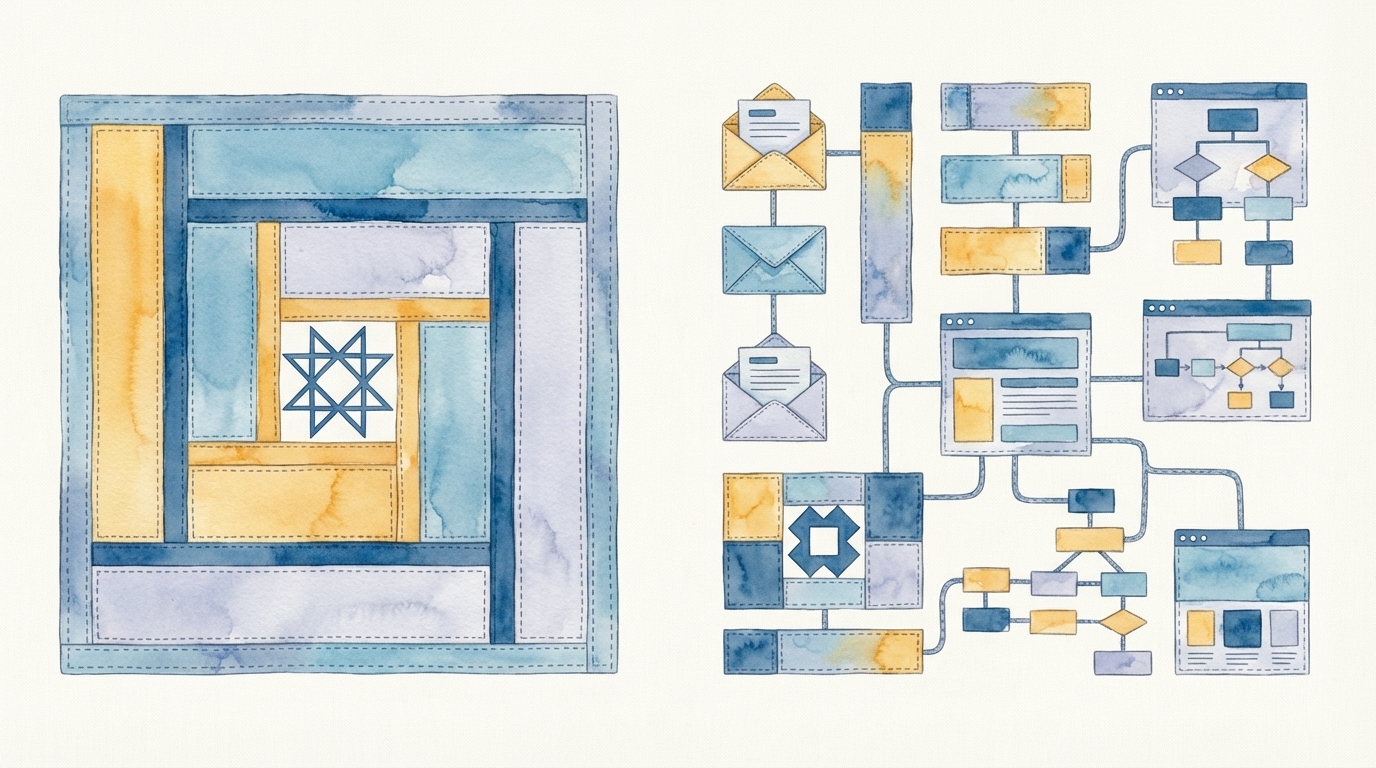
The solution is not to replace Clay — it is to connect Clay's output to a deployment layer that handles everything downstream. A complete data-to-deployment pipeline looks like this:
- Enrichment (Clay): Build your target list, enrich with firmographic, technographic, and custom data, validate emails, score accounts.
- Segmentation: Group enriched contacts into segments based on enrichment signals — industry, company size, technology stack, intent signals.
- Creative generation: Generate personalized campaign assets for each segment — email sequences, landing pages, ad creative — using the enrichment data for personalization.
- Platform deployment: Build and configure the campaign inside your actual marketing tools — emails in your outreach platform, pages in your CMS, ads in LinkedIn, workflows in your automation tool.
- Review and approval: Present the fully configured campaign for human review, with governance checks already applied.
- Launch and monitoring: Deploy the approved campaign and track performance across channels.
Clay handles step one exceptionally well. Steps two through six are where CharacterQuilt operates — taking enriched data (from Clay or any other source) and turning it into deployed, multi-channel campaigns inside your existing platforms. The two tools are complementary, not competitive. Clay gives you the best possible data. CQ turns that data into live campaigns. Learn more about this pipeline on our How It Works page.
Not Anti-Clay — Pro-Pipeline
This post is not an argument against Clay. Clay is one of the most impressive go-to-market tools built in the past five years. If you are doing outbound or ABM and you are not using waterfall enrichment, you are leaving coverage and quality on the table.
The argument is that enrichment is one step in a multi-step pipeline, and optimizing one step while leaving the rest manual creates a bottleneck. Your team can enrich 1,000 contacts in an hour with Clay. But if it takes two weeks to turn those contacts into a deployed campaign, the enrichment speed is wasted. The pipeline is only as fast as its slowest step.
The teams that win are the ones that optimize the entire pipeline — from data to deployed campaign — not just the enrichment layer. Clay gives you the data. The question is what happens next.